




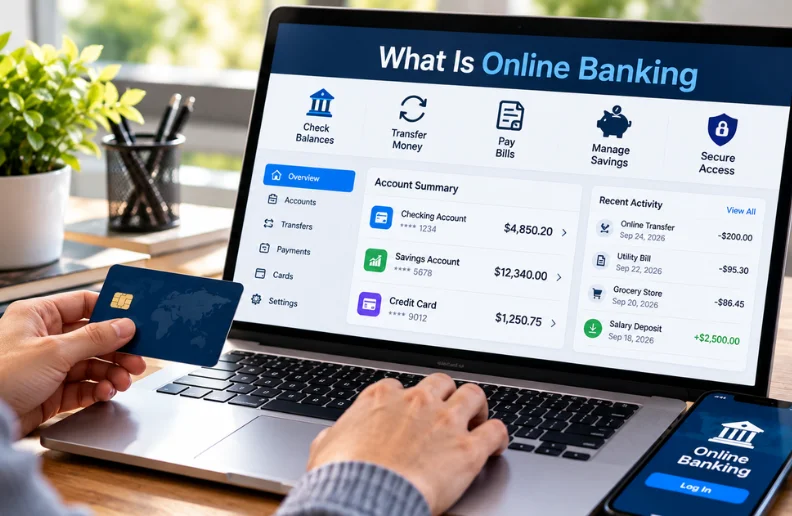
If you searched “what is online banking,” you probably want a simple explanation without banking jargon. It means managing a bank or credit union account online. You can check balances, transfer money, pay bills, and handle many routine tasks without visiting a branch.
| Key point | What it means |
|---|---|
| Main purpose | Manage financial accounts through a secure website or app. |
| Common services | Balance checks, transfers, bill payments, statements, alerts, and mobile deposits |
| Devices | Computers, smartphones, and tablets |
| Availability | Account access is commonly available outside normal branch hours. |
| Main security tools | Passwords, encryption, multifactor authentication, alerts, and fraud monitoring |
| Deposit protection | Eligible deposits at FDIC-insured banks receive federal insurance within applicable limits. |
| Main risks | Phishing, stolen credentials, fake websites, malware, and user mistakes |
Direct answer: Online banking lets you access and manage financial accounts through the internet. You usually sign in through your institution’s website or mobile app. Common features include checking balances, transferring funds, paying bills, viewing statements, and monitoring transactions.
Key Takeaways
- You don’t need an online-only bank to bank digitally.
- Traditional banks and credit unions commonly provide internet account access.
- Mobile banking usually refers to banking through a smartphone or tablet app.
- Online-only banks operate without the same branch networks as traditional banks.
- Strong passwords and multifactor authentication can reduce account-security risks.
- U.S. consumers should verify that deposit accounts are held at an insured institution.
- Never sign in through unexpected links in emails or text messages.
What Is Online Banking and How Does It Work?
A bank first gives you secure digital access to an existing or newly opened account. You create login credentials and may verify your identity with an additional security step. Once authenticated, you can use the available account tools from a browser or supported application.
The Consumer Financial Protection Bureau describes the service as managing an account through a secure website without teller assistance. Features vary by bank, account type, and device. Mobile applications may also add camera-based check deposits or biometric login options.
You usually don’t need a special account just to access online banking. A regular checking or savings account may already include digital features. BusInvesty’s guide to whether a checking account is necessary explains several everyday checking account uses.
What Can You Do Through a Bank Website or App?
Modern account portals cover many tasks that once required a branch visit. Available functions still depend on the financial institution and account. Some transactions may also have daily limits or processing delays.
Common features include the following.
- Check current balances and recent transactions.
- View or download account statements.
- Transfer money between your accounts.
- Transfer funds to eligible outside accounts.
- Pay bills electronically.
- Schedule recurring payments.
- Manage debit or credit cards.
- Set account and transaction alerts.
- Locate ATMs.
- Contact customer support.
- Deposit checks through supported mobile apps.
- Apply for certain financial products.
Digital access can also help you review transactions more frequently. Frequent monitoring makes unusual charges easier to notice. Report suspicious activity to your financial institution promptly rather than waiting for a monthly statement.
Online Banking vs. Mobile Banking vs. an Online Bank
These terms sound similar, but they describe different things. Knowing the difference makes financial product comparisons much easier. It also prevents confusion when a company describes itself as a digital financial provider.
| Term | Meaning | Typical access |
|---|---|---|
| Online banking | Managing an account over the internet | Website or compatible device |
| Mobile banking | Managing an account with a mobile device, commonly through an app | Smartphone or tablet |
| Online bank | A bank operating primarily or entirely without traditional branches | Website and app |
| Traditional bank with digital access | A branch-based bank that also provides digital account services | Branches, website, app, ATMs |
You can therefore use internet account services without joining an online-only institution. Many traditional U.S. banks offer both physical branches and digital access. An online-only provider may place greater emphasis on remote service and ATM networks.
Why Do People Use Digital Banking?
Convenience is the clearest benefit for many customers. You can review account activity without traveling to a branch or following lobby hours. Scheduled payments and transfers may also reduce repetitive financial tasks.
Digital channels are now a major part of U.S. banking behavior. A 2025 Morning Consult survey for the American Bankers Association found that 54% of respondents primarily used mobile apps. Another 22% most often used online access through a laptop or computer.
Account monitoring can provide another practical benefit. Alerts may notify you about purchases, transfers, withdrawals, or low balances. Faster awareness can help you contact your institution sooner when something looks wrong.
Is Banking Online Safe?
Reputable financial institutions use multiple security controls to protect customer information and account access. Those controls may include encryption, fraud monitoring, multifactor authentication, biometric verification, and transaction alerts. Customer behavior still matters because scammers often target people instead of attacking a bank directly.
For U.S. consumers, deposit insurance and cybersecurity are separate issues. FDIC insurance protects eligible deposits if an insured bank fails, subject to coverage rules. It does not prevent phishing, stolen passwords, or fraudulent transfers.
A useful 2026 check now appears directly on digital bank channels. Beginning March 1, 2026, FDIC-insured institutions must display the official FDIC digital sign on websites and apps where customers receive deposits. The FDIC also recommends confirming a bank through its official BankFind resources when necessary.
7 Ways to Bank More Safely Online
- Use a unique password. Don’t reuse your banking password on email, shopping, or social accounts.
- Enable multifactor authentication. Use an authenticator app or a stronger option when your institution supports one.
- Use the official website or app. Avoid signing in through links sent in unexpected messages.
- Turn on transaction alerts. Alerts can help you notice unauthorized activity quickly.
- Keep devices updated. Install operating system, browser, and application security updates.
- Review transactions regularly. Report withdrawals or payments you don’t recognize as soon as possible.
- Be suspicious of urgent requests. Banks won’t unexpectedly ask you to send passwords through email or text.
The Federal Trade Commission warns that phishing messages often impersonate banks and other familiar organizations. Unexpected messages may pressure recipients to open links or share financial information. The FTC recommends contacting an institution through contact information you already know is legitimate.
What Are the Disadvantages and Risks?
Digital account access does not eliminate every reason to use a branch. Cash deposits can be less convenient with some online-only institutions. Complex transactions may also be easier when you can speak with a banker in person.
Technical problems create another limitation. Maintenance, internet outages, device problems, or locked accounts can temporarily restrict access. A bank’s website may remain available while certain transfers or other services are temporarily unavailable.
Scams remain one of the most serious risks for consumers. Criminals may use fake bank websites, text messages, emails, phone calls, or malware to steal login details. Legitimate-looking branding should never replace independent verification.
Some banking tasks also require services beyond routine digital transfers. For example, certain large transactions may involve official checks or specialized transfer methods. BusInvesty’s guide to cashier’s check locations and options covers another payment method consumers may encounter.
How Do You Start Banking Online?
Start by confirming your bank’s official website using a trusted source. A paper statement, the back of your bank card, or verified bank correspondence can help. The CFPB specifically advises beginners to avoid unknown links when finding a financial institution’s website.
Registration usually requires information that proves you own the account. You may need an account number, identifying details, a username, and a password. The institution may send a verification code before activating access.
After signing in, review the security and notification settings before making transfers. Enable stronger authentication and useful account alerts when available. Start with routine activities until you understand the bank’s menus, transaction limits, and processing times.
Does FDIC Insurance Cover Digital Bank Accounts?
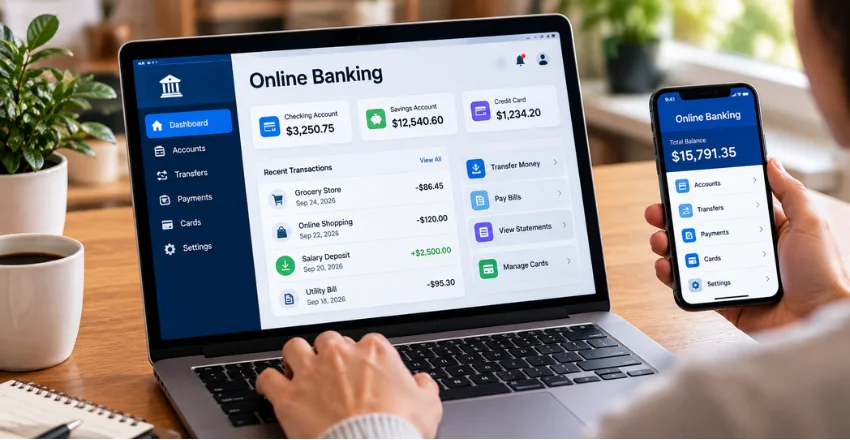
FDIC insurance depends on the institution and deposit ownership structure, not whether you use a website. Eligible checking, savings, money market deposit accounts, and certificates of deposit can receive coverage at insured banks. According to the FDIC’s deposit insurance guidance, the standard insurance amount is generally $250,000 per depositor, per insured bank, for each ownership category.
Not every financial app is itself an FDIC-insured bank. Some technology companies work with partner banks, which can complicate the arrangement. Confirm where your funds are legally held before assuming an app balance has the same protection.
Deposit insurance also doesn’t cover every financial product sold through a banking company. Stocks, bonds, mutual funds, crypto assets, and similar investments aren’t FDIC-insured deposits. Check the product type instead of relying only on the company name.
When Is Digital Banking Most Useful?
It works especially well for people who want frequent account access and who perform routine transactions. Employees using direct deposit can monitor incoming pay without waiting for mailed statements. Households can also use electronic bill payments and recurring transfers for regular expenses. You might also like What Is a Portfolio Loan.
Small-business owners can use account portals to review deposits and move funds between eligible accounts. Businesses that handle cash still need a practical deposit and withdrawal strategy. BusInvesty’s guide to starting an ATM business shows how banking relationships also support cash-heavy operations.
People who prefer face-to-face service don’t have to choose only one method. A traditional institution can provide branch support while still offering digital tools. The right setup depends on your cash habits, support preferences, fees, and account needs.
Frequently Asked Questions
What is online banking in simple terms?
It means accessing and managing your bank account online instead of relying only on a branch. You can commonly check balances, make transfers, pay bills, and review transactions. Available services depend on your bank or credit union.
Is it safe to access a bank account from a phone?
It can be safe when you use the institution’s official app and follow good security practices. Use a unique password and enable multifactor authentication when available. Keep your phone updated and avoid entering credentials through unexpected links.
Is mobile banking the same as web banking?
They overlap, but the access method can differ. Web banking commonly refers to using an institution’s website through a browser. Mobile banking generally refers to services accessed through a smartphone or tablet application.
Can I deposit cash through the internet?
You cannot physically transmit cash through a website. A bank may instead accept cash through branches, supported ATMs, retail partners, or other approved channels. Check the institution’s deposit rules before opening an account if you regularly handle cash.
What should I do if I notice an unauthorized transaction?
Contact your bank or credit union as soon as you identify activity you didn’t authorize. Federal protections can apply to certain electronic fund transfers, but timing matters. The CFPB advises consumers to report unauthorized transactions promptly and explains applicable investigation requirements.
The Bottom Line
Digital account access has turned many everyday banking tasks into activities you can complete from home or while traveling. It provides convenience, faster account monitoring, and access beyond ordinary branch hours. Those benefits work best when you also understand security, fees, deposit methods, and your institution’s support options.
For U.S. users, confirm that you’re dealing with the real institution before sharing credentials or moving money. Check federal deposit insurance status when choosing where to keep deposits. Use BusInvesty’s Finance section for more guides covering everyday financial decisions.
